Direct IP Printing from Windows
This document provides a step-by-step set of instructions on how to add a printer to Microsoft Windows 10 using direct IP Printing.
SelectClick the Windows Start button,button. 

Select Settings.
Select Devices.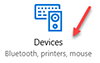
Select Printers & scanners, then selectclick Settings.on the + button to Add a printer or scanner.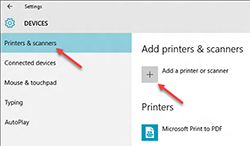
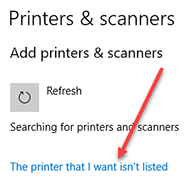
Select Add a printer using a TCP/IP address or hostname.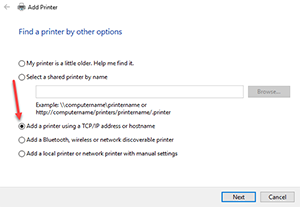
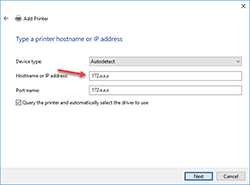
Enter the IP address you collected above in the Hostname or IP Address field.